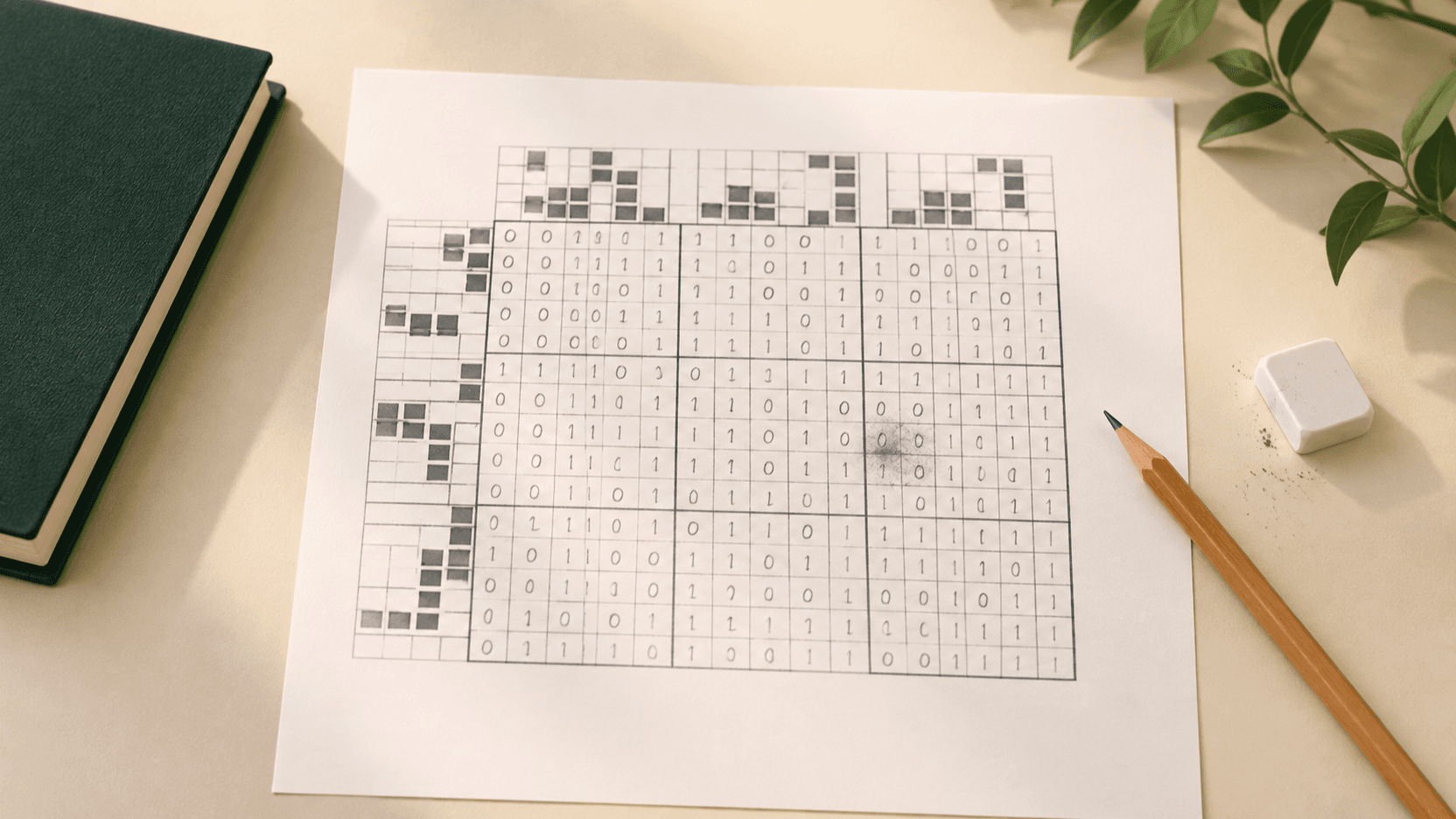
A wrong cell is a trail, not a reason to restart
When a Binary Puzzle suddenly feels impossible, it is tempting to clear half the board or start over. A conflict is a place to begin looking, while most other placements may still show which deductions were sound.
Pause before placing another 0 or 1. Check the last editable cells: can you name the pair, count, or line comparison that proves each move? If not, review it instead of changing cells until the warning disappears.
You are not trying to prove the whole board in one pass. You are only separating entries with a stated reason from those that came from a hunch. That smaller job makes a complicated grid manageable.
What Check can tell you, and what it cannot
Use Check to reveal visible rule conflicts in the current grid: a run of three matching digits, a row or column with too many 0s or 1s, or two completed lines with the same pattern. That gives you a concrete starting point.
A clean Check result is not proof that every entry matches the final solution. A speculative value can be locally legal before it blocks a later deduction. Likewise, highlighted cells belong to a conflict, but not every one is the original wrong cell. Trace the editable moves that created the line instead.
Read the conflict message before editing. It identifies the broken rule and whether to inspect a row or column, which prevents a wide, unfocused scan.
Trace the first unsupported move instead of deleting red cells
Start with the active conflict and inspect its row and column. Ignore fixed clues. Then work backward through editable placements in those lines, beginning with the newest one. State the reason that was available when you placed each entry. A completed count, forced pair, or eliminated duplicate is a reason; a value that merely looked likely is not.
If the newest move has a reason, check the one before it. Stop at the first placement you cannot justify. Undoing it may remove later consequences built on the same assumption, so you do not have to guess at the wrong red cell.
After undoing, run the same local checks before rebuilding. If the original value was forced, reproduce the reason. If not, leave the cell blank and move to another forced line.
On paper, mark the gap with a small dot or note its coordinate rather than filling it again immediately. Preserve the question until a crossing line answers it.
Run a three-pass audit on every affected line
On the row and column that contain the conflict, make three passes in the same order. This keeps the review specific.
Do not confuse a legal move with a forced move
A cell can accept either value without immediately making a triple or exceeding a count. That does not make either value a justified move. If two possibilities remain, leave it open until another rule eliminates one.
A row may have two balanced endings. Inspect crossing columns and compare each possible full line with completed lines of the same orientation. If neither is ruled out, move on; a forced placement elsewhere may decide it.
Treat the two values as candidates, not choices. A candidate needs a rule to survive; a choice made to keep momentum is what produces a difficult recovery later.
Repair a deduction chain without wiping the board
Once you find an unsupported entry, use Undo until you reach the last move you can explain. Restart with direct pairs, then counts, then line comparisons. Correct work stays on the board.
If no conflict is visible but no forced move appears, use a Hint as a lesson. Identify the rule it shows, compare it with your scan, then rebuild a chain whose first link is proven.
If the correction changes a line near completion, repeat the short scan from the beginning of that line. One erased value can reveal a pair or count that was hidden.
Three Binary Puzzle mistakes that look reasonable at first
An alternating-looking row is not automatically solved. Confirm the next digit from a pair, a count, a valid-line comparison, or a crossing column.
Every placement changes a row and a column. After filling a cell, inspect the crossing line. A horizontal clue can create a vertical pair, balance limit, or duplicate candidate.
Do not call two unfinished lines duplicates because their visible cells match. The rule applies to identical completed lines, or a candidate completion that copies an already completed line.
Use this three-minute reset when a Binary Puzzle feels stuck
Use this routine to decide your next action, not to force an ambiguous cell.
Does Check show the exact wrong cell?
Not always. Check shows cells in a current triple, overfull line, or duplicate. The original unsupported entry may be an earlier editable move. Use the highlighted line to trace the reasoning rather than changing every red cell.
Why can a wrong move pass Check at first?
Check evaluates visible rule conflicts. A guessed value can satisfy them now but still block the intended solution later. A move needs a named rule, not only the absence of a warning.
When should I restart a Binary Puzzle?
Restart when you no longer have useful history to unwind or when a fresh board is faster. Usually, Undo and a three-pass audit are enough. Keep fixed clues and well-supported moves.
Turn Binary Puzzle mistakes into a better solving habit
Recovery starts by finding the first editable cell without a rule behind it, undoing it, and returning to direct evidence. Check narrows the search; your explanation keeps the grid stable.
When a Binary Puzzle feels stuck, leave uncertain cells blank, audit one row and one column, and rebuild from a forced move.