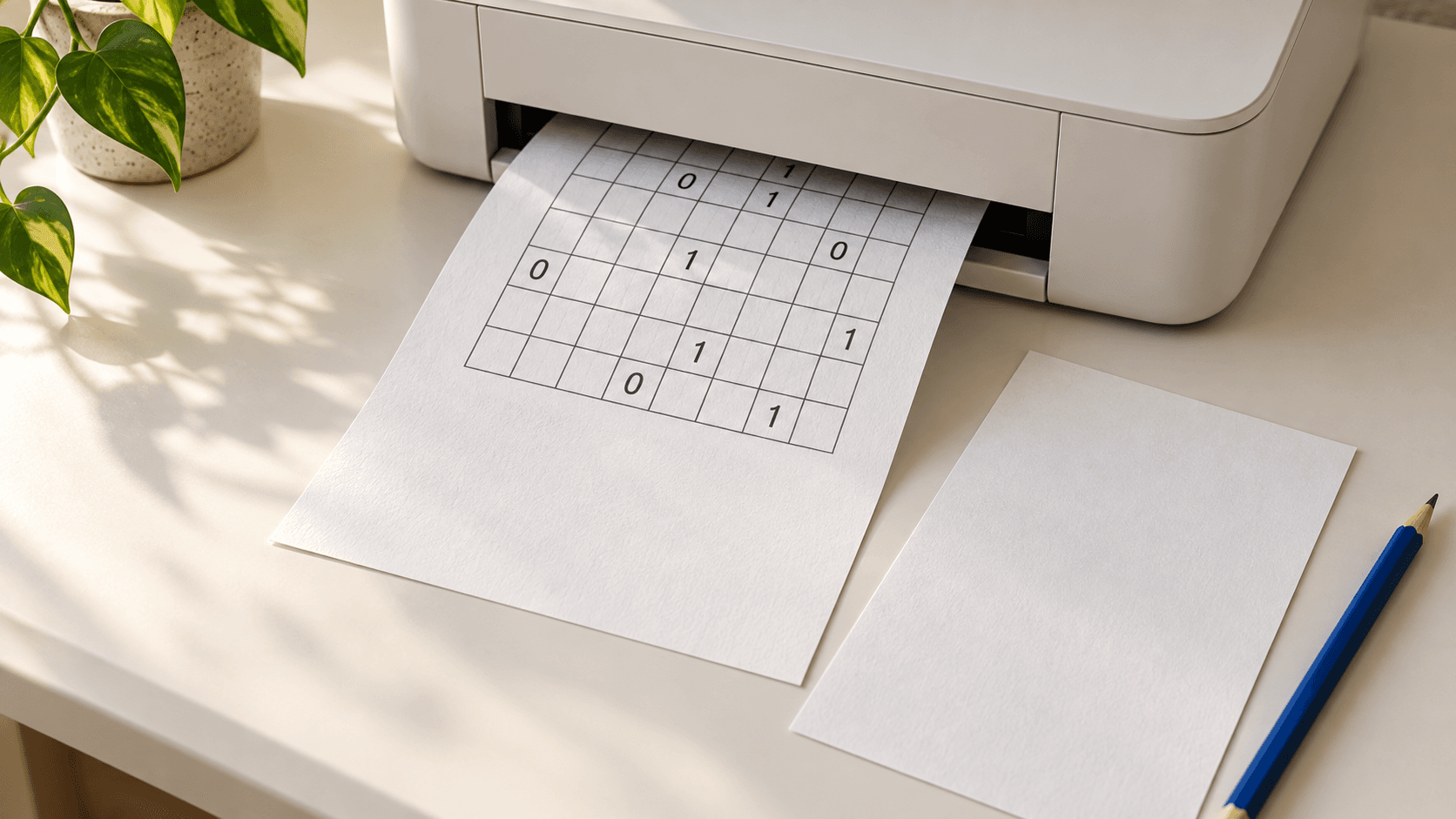
Download printable binary puzzles with an answer page
Start with Practice sheet A below: a free two-page PDF containing one 6x6 Easy puzzle and its matching solution. Page 1 has the starting clues, writing space, and rules. Page 2 has the completed grid. The puzzle has been checked to have exactly one solution, so the answer page gives you a definite reference after solving.
Print only page 1 for your first attempt. Keep page 2 closed, or print it separately for someone checking the work. If you print both pages, use single-sided printing so the answer does not sit on the back of your worksheet.
This download stays the same each time you open it. For a different puzzle or a larger board, use the game-page printing steps below.
Choose grid size and difficulty separately
For a first paper attempt, use 6x6 Easy. Its 36 cells give you room to write and erase. Choose 8x8 when you want more lines to track, or 10x10 if you prefer a larger worksheet. The site also offers 12x12 and 14x14 grids.
Size controls the number of cells; difficulty controls the requested challenge. A larger board is not automatically a harder logic lesson. Keep the size fixed while changing difficulty if you want to compare how comfortably you can find the next move.
Before printing several copies, check the square size in preview. Someone using large handwriting may prefer one 6x6 grid on a full page to a dense sheet of smaller puzzles.
Print the starting clues from a game page
Open a size page, choose Easy, Medium, Hard, or Very hard, and wait for the board to finish loading. Select Print beneath the grid. To get a different board at the same level, use New puzzle, then Print again once the new clues appear.
The game prints the original clues, even if you have already entered numbers online. Your entries and pencil notes are omitted. You do not need to restart or clear the board first, and printing does not erase your online progress.
The sheet includes its size, difficulty, name, date, time, and three rules. This game-page printout contains the puzzle only. The separate answer page belongs to Practice sheet A, not to every board you generate.
Check paper size, margins, and page count before printing
Start with portrait orientation and select the paper loaded in your printer: A4 or Letter. Use the preview to check that all four grid edges and the rules fit. The downloadable worksheet uses A4 pages; when printing it on Letter, choose the PDF viewer's fit-to-page option and inspect the result before sending it.
For a game-page printout, begin with the default margins and scale. If a footer spills onto another page, reduce the scale slightly. Avoid squeezing multiple pages onto one sheet unless you have checked that the cells remain comfortable to fill.
Turn off browser-added headers and footers if an extra URL or date crowds the sheet. Print one test copy before a larger batch. Check the outer border, the final row, and whether a lightly written pencil digit remains easy to distinguish from a printed clue.
Save a Binary Puzzle PDF before leaving the page
In desktop Chrome, select Print on the game page, then choose Save as PDF as the destination and save the file. Open the saved PDF once to check that the clue grid and rules are present. You can print that file later without needing the game page to generate the same board again.
Use a filename such as binary-8x8-medium-sheet-b.pdf. A size-page address alone does not identify the particular practice grid you printed. The saved file preserves that clue pattern. Keep the two-page Practice sheet A download under a distinct name so its answer is never mistaken for another puzzle's solution.
Label a practice set before handing out copies
For a family session or a small puzzle group, print the same sheet for everyone and keep one separate answer copy. Write a sheet label on any additional game printouts. Size and difficulty alone will not distinguish two different 8x8 Medium boards.
Keep fixed clues unchanged and use pencil for your entries. When discussing a move, give its coordinate: row 2, column 2, counted from the top left. Practice sheet A has row and column labels for this purpose. On other printouts, write the labels outside the grid before starting.
Try an untimed session when introducing the worksheet. A useful shared goal is to explain one placement clearly enough that another player can check it on their own sheet.
Use the answer page one coordinate at a time
On Practice sheet A, row 2 starts as 1 _ 1 1 0 0. It already contains three ones, so the blank at row 2, column 2 must be 0. That gives you a concrete opening without uncovering the rest of the solution.
When checking a finished attempt, cover the answer grid with another sheet and reveal one row at a time. Compare positions, not just the number of zeros and ones: a balanced row can still contain a misplaced digit. Mark the first mismatch beside its row, then examine your reasoning there.
For a game-generated worksheet without an answer key, check every row and column for equal counts, triples, and duplicate completed lines. For a full recovery method, follow the wrong-cell guide rather than erasing several uncertain cells together.
Can I print my partly completed board?
The game's Print control produces the starting puzzle, so it leaves out your added digits. To keep a paper record of a partial solve, first print the clean worksheet and copy your confirmed entries onto it. Keep those pencil entries distinguishable from fixed clues.
Does every printable puzzle include answers?
The two-page download in this article includes the answer to Practice sheet A. The game's Print control does not append an answer key. Check which file you are using before assigning a puzzle that someone else will need to mark.
Can I use this as a printable Takuzu or Binairo worksheet?
Yes, for the standard rule set: equal counts in each line, no three identical adjacent values, and unique rows and columns. Some publishers use different symbols or variants. Read their rules before assuming that a differently named worksheet follows the same constraints.
Keep the worksheet and its answer together
Start with Practice sheet A if you want printable binary puzzles with a matching answer. Print page 1, keep page 2 for checking, and try the row 2 opening. When you move to fresh game boards, save each clue grid as a PDF and label it before building a larger practice set.